Here i am going to discuss how i edited, filmed and set up my film to make sure that everything went as i had planned.
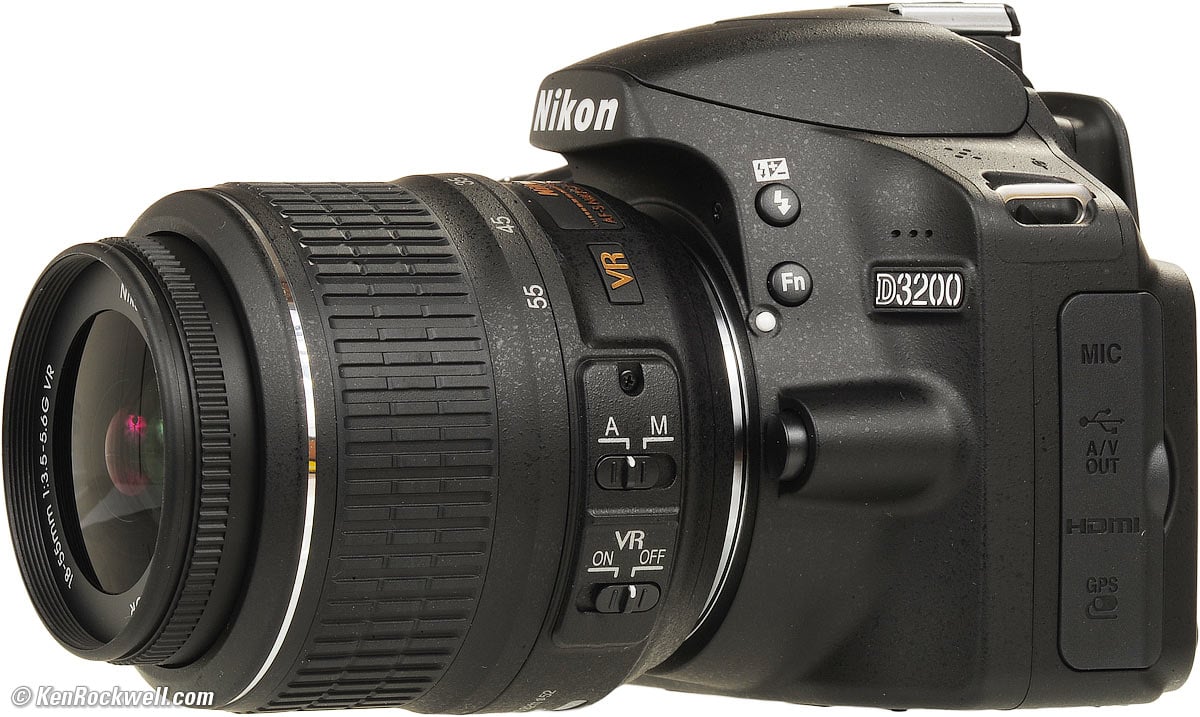
To film my film, i wanted to use a camera that would allow me to shoot in 1080p which would give me high quality and a sharp picture so i used the Nikon D3200 which had an 18-55mm lens which was one of my own personal cameras. I used this camera because it is very simple to use as it already has a camera setting which will automatically adjust the lighting within the film so that the film can appear as realistic as possible.
I did not need to rely on the microphone or an additional microphone within my opening 2 minutes as my film did not have any conversations within it. However, if i was to include a conversation within future films i would use a microphone that can be attached to my camera as this will make the diegetic sound clearer to hear. However, if i did not have an additional microphone attachment, then i would use the microphone on my phone to record seperately what my characters were saying so that i could layer it over the top later on when editing so that i could hear what they were saying.

I placed my camera onto a tripod whilst i was filming which meant that my camera remained perfectly still and continued to remain professional. This prevented any movement that may have occurred if i had filmed the film whilst holding the camera with my hands. I borrowed the tripod that i used within my film from my school. However, i will look into buying one for personal use and also to help me with my photography A level as having a tripod will better my images.
I edited my film by using Adobe Premier Elements. I used this because it was on my school user account which is free. I chose to use Adobe over Windows Movie Maker which i have both at home and on my school user because Adobe allowed me to cut my shots more precisely which made my film more intense. It also meant that there was more of a variety of effects and editing tools to use which made my film a lot more proffesional.

No comments:
Post a Comment